
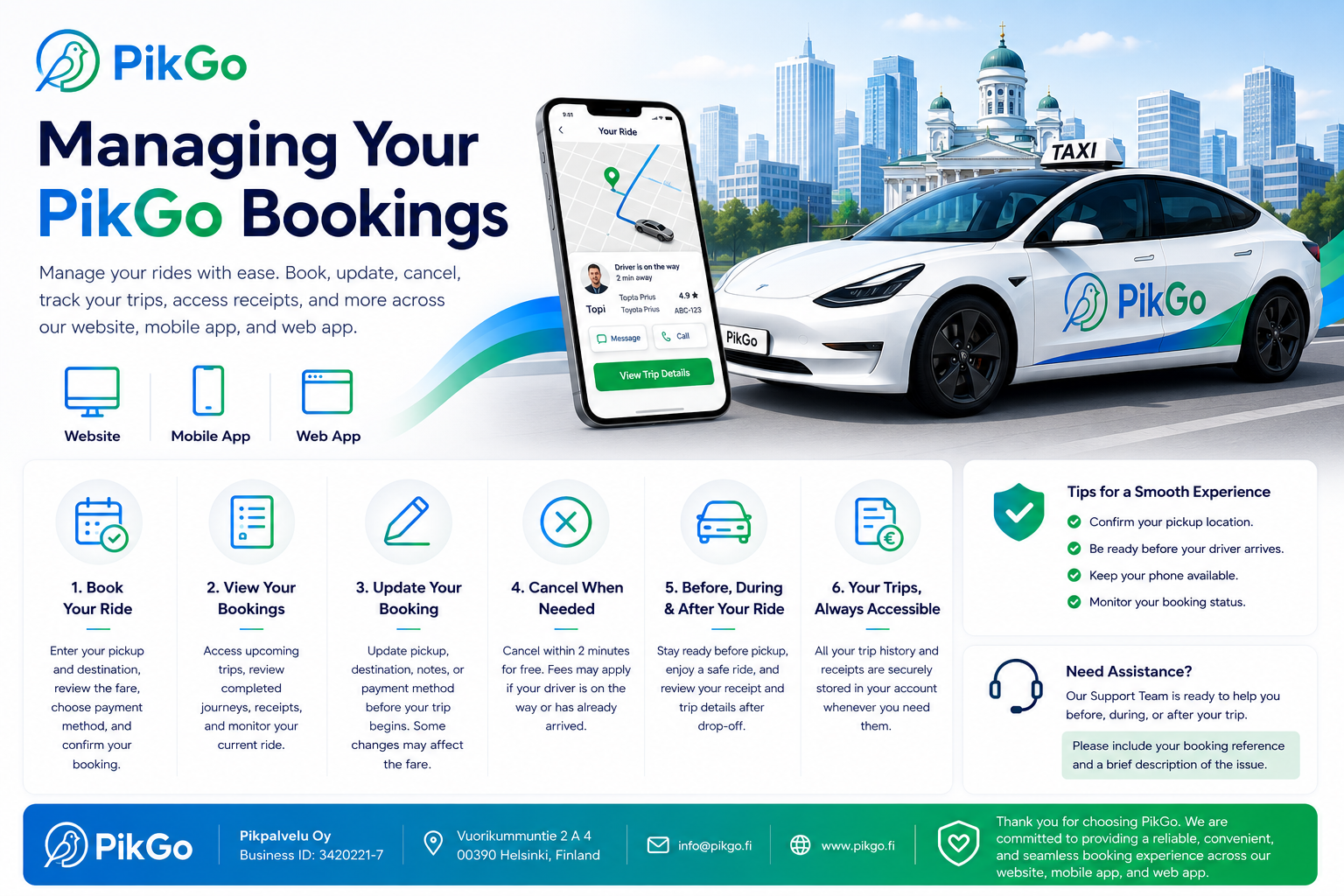
Managing Your Bookings
Keeping track of your rides should be simple, convenient, and stress-free. At PikGo, we have designed our booking system to give you complete control over every stage of your journey. Whether you book through our website, mobile app, or web application, you can easily create, manage, update, and review your bookings whenever it suits you.
Our platform is built to provide a smooth experience from the moment you request a ride until your trip is completed.
Book Your Ride
Booking a ride with PikGo takes only a few moments.
Simply enter your pickup location and destination, review your estimated fare, choose your preferred payment method, and confirm your booking.
As soon as a nearby driver accepts your request, you can follow their location in real time and receive live updates until they arrive at your pickup point.
Whether you’re travelling to work, the airport, a meeting, or simply across the city, PikGo makes every journey quick and convenient.
View Your Bookings
Your PikGo account stores all of your booking information securely in one place.
From your account you can:
- View upcoming bookings
- Review completed trips
- Track your current ride
- Download trip receipts
- Check payment information
- View driver and vehicle details
- Access your complete travel history
This allows you to quickly find previous trips whenever you need them.
Update Your Booking
Plans can change, and PikGo understands that flexibility is important.
Before your driver arrives, you may be able to update certain booking details depending on your reservation status.
You may be able to:
- Change your pickup location
- Update your destination
- Edit notes for your driver
- Change your payment method
- Add additional trip information
Please note that changing your pickup or destination may affect your estimated fare or travel time.
Cancelling a Booking
If your plans change, you can cancel your booking directly through the PikGo platform.
Cancellations made within 2 minutes after confirming your booking are generally free of charge.
If your driver has already accepted the booking, is travelling to your pickup location, or has already arrived, a cancellation fee may apply. This helps compensate drivers for the time, fuel, and operating costs already invested in your trip.
For complete details, please read our Cancellation Policy.
Before Your Ride
To ensure a smooth pickup experience, we recommend that you:
- Verify your pickup location.
- Be ready before your driver arrives.
- Keep your phone nearby in case your driver needs to contact you.
- Monitor your booking status through the PikGo platform.
- Check that your payment method is up to date.
A few simple steps before your ride can help avoid unnecessary delays.
During Your Ride
During your journey, your driver will safely transport you to your selected destination using the most appropriate route.
If your destination changes during the trip, the final fare may be adjusted based on the additional distance or travel time.
Your safety, comfort, and satisfaction remain our highest priorities throughout every journey.
After Your Ride
Once your trip has been completed, your booking information will automatically be saved in your PikGo account.
You can:
- View your trip receipt
- Download invoices
- Review your travel history
- Check payment details
- Manage previous bookings
Keeping all your travel information in one place makes future reference simple and convenient.
Need Assistance?
If you experience any issues before, during, or after your trip, our Support Team is here to help.
To help us resolve your request as quickly as possible, please include:
- Your booking reference number
- A brief description of the issue
- Any relevant screenshots or additional information
Our team will investigate your request and respond as soon as possible.
Why Choose PikGo?
PikGo is committed to providing a modern, reliable, and transparent ride-booking experience across Finland.
With secure payments, real-time driver tracking, flexible booking management, and dedicated customer support, we make every journey simple, safe, and convenient.
Whether you’re booking a local ride, an airport transfer, or planning your daily travel, PikGo gives you complete control over your bookings from start to finish.
Contact Us
If you need assistance with managing your booking or have any questions before, during, or after your journey, our Customer Support Team is here to help.
Please include your booking reference number along with a brief description of your issue so we can assist you as quickly as possible.
Pikpalvelu Oy
Business ID: 3420221-7
Address:
Vuorikummuntie 2 A 4
00390 Helsinki
Finland
Stay Connected
Visit our website to book rides, manage your bookings, learn more about our services, and access our latest travel information.
For customer support, booking assistance, or general enquiries, you can always reach us at:
Email: info@pikgo.fi
Thank You for Choosing PikGo
Thank you for choosing PikGo.
We are committed to providing safe, reliable, and convenient transportation services across Finland. Whether you book through our website, mobile app, or web application, our goal is to make every journey simple, comfortable, and hassle-free.
We look forward to serving you on your next trip.
